
A batting timing test — read the pitch, swing on the plate.
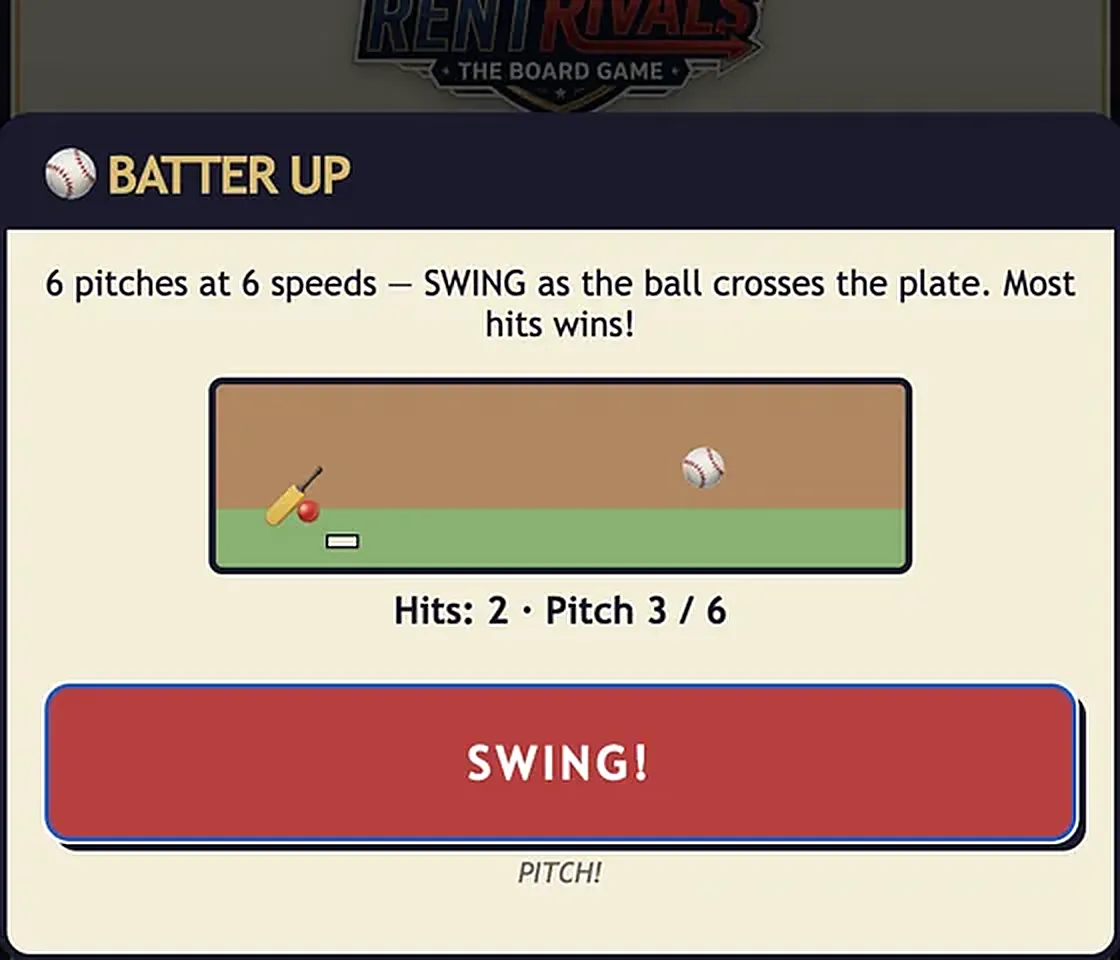
Six pitches come in at six different speeds. You watch each one and press SWING exactly as the ball crosses the plate, trying to connect on as many as possible. Reading the pitch speed early is the whole skill.
One button to SWING — the on-screen button or space bar. You get one swing per pitch, across six pitches.
You're scored on hits out of 6. Each pitch is a fresh timing read — fast balls need an earlier swing, slow balls a later one. Most hits wins.
When you play Batter Up between rounds or in the Arcade, the computer players compete at the difficulty set for your match — from Rookie up to Ace. Easier bots make loose, mistimed plays you can beat with basic execution, while the hardest bots play tight and consistent, so you'll need clean timing to out-score them. In a live game it's the humans who usually decide the round, so a calm, practiced run is your edge.
Batter Up is one of the quick minigames that fires between rounds of a RentRivals match — the whole table plays the same game at once, and the winner banks a $20 in-game bonus that can fund the next big purchase. You can also practice Batter Up any time, solo against three CPUs, in the Minigame Arcade from the main menu — no board, no room, no stakes.
There are six speeds, so each pitch requires its own timing. Fast pitches need an earlier swing, slow ones a later swing — read each individually.
Up to six. The player who connects on the most pitches — by adjusting their timing to each speed — wins the round.
Enjoyed Batter Up? Here are three more RentRivals minigames to check out: